Landscape material calculatorsRain garden takeoff
Use your measured plan
Rain Garden Material Calculator
Enter each material’s footprint and planned depth. Exclude patches that use another material, then split a custom blend into separate purchase quantities if needed.
Browser-only mathNo measurements are uploaded by this calculator.
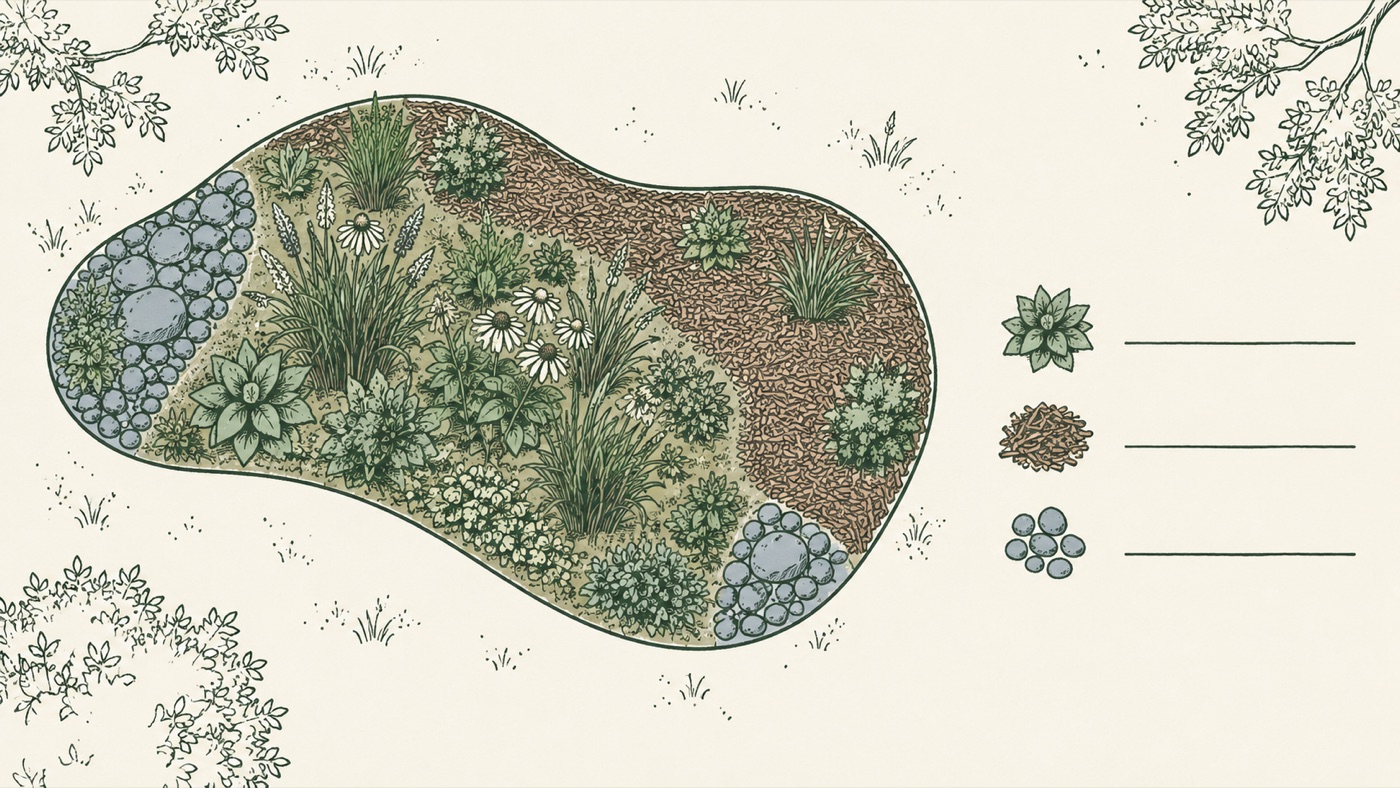
What the example calculates
The mulch line uses 200 sq ft, subtracts a hypothetical 12 sq ft patch and applies an entered 2.5 in depth. That leaves 39.17 cu ft, or 20 packages at 2 cu ft each.
The planting-mix line uses 200 sq ft at 18 in, or 300 cu ft. Its entered 80/10/10 shares split that total into 240 cu ft, 30 cu ft and 30 cu ft. The 18 in depth and mix shares are one example from a University of Maryland Extension manual; the 12 sq ft patch is hypothetical. None of these values is a general recommendation.
If every layer shares one footprint and you do not need mix ingredients split out, the sheet mulch layer calculator is the simpler worksheet.
How the takeoff works
For each row, net area = measured footprint − excluded area. In US units, cubic feet = net square feet × chosen depth in inches ÷ 12, then cubic yards = cubic feet ÷ 27. For metric inputs, litres = net square metres × chosen depth in centimetres × 10.
For a mix, each ingredient quantity = that row’s volume × its share ÷ 100. Enter package volume when you need a whole-package count; the calculator rounds each material up separately. It does not combine unlike products into one order quantity.
A University of Maryland Extension rainscaping manual describes project plans that list material types and quantities and shows that material choices depend on the project. Its guidance is regional. The EPA-hosted homeowner guide is also a regional, archived reference. Use the current drawings, supplier specifications and local requirements for your site; this page does not size a rain garden or specify its construction.
References: University of Maryland Extension, Rainscaping Manual · EPA archive, Northern Virginia homeowner guide · Hello Gravel, direct calculator page
Rain garden material quantity questions
Does this calculator recommend a rain-garden mix or layer depth?
No. Enter the areas, depths, material shares and package sizes from your approved project plan or supplier specification. Example values demonstrate arithmetic only.
Can I exclude inlet or overflow stone areas from a mulch line?
Yes. For each material line, enter its full measured footprint and the area that should not receive that material. The calculator subtracts the excluded area before calculating volume. Add a separate line for a material with a different footprint.
Can I split a planned soil mix into ingredient quantities?
Yes. Turn on the mix split and enter each ingredient name and its share by volume. Shares must total 100%. Each ingredient gets its own volume and optional package count.
Which volume formula does the calculator use?
For US inputs, cubic feet = net square feet × chosen depth in inches ÷ 12, and cubic yards = cubic feet ÷ 27. For metric inputs, litres = net square metres × chosen depth in centimetres × 10. The calculator does not estimate weight, waste, settling, drainage performance or design requirements.