Hydromulch load planner Price the planned job
Hydromulch Job Quote Calculator
Start with the dry-fiber amount and load count in your job plan. Add the package price and crew numbers you use, then get a line-by-line pre-tax quote.
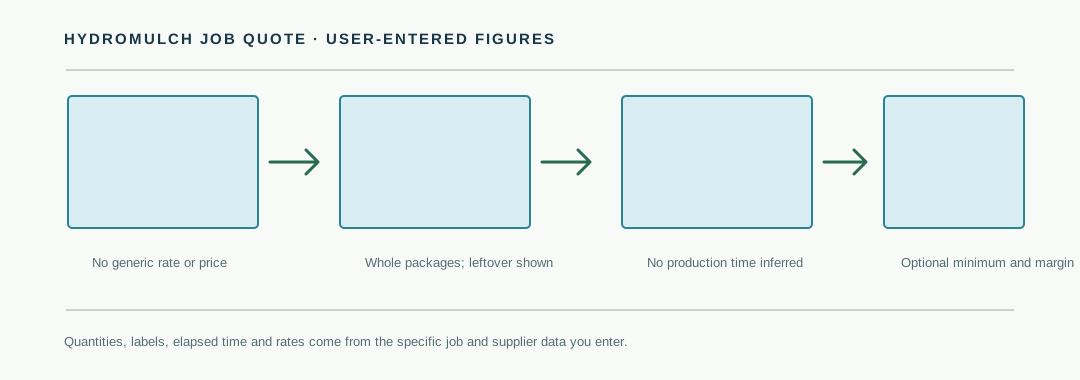
How the worksheet builds the quote
It starts with the dry-fiber quantity in your project plan, then rounds the purchase up to whole packages. That purchase cost remains visible even when some fiber is left over.
Fiber package cost = packages to buy × price per package
Total crew-hours = (loads × elapsed hours per load + other job hours) × crew size
Material charge = package cost × (1 + entered markup percentage)
Labor charge = total crew-hours × entered customer billing rate per labor-hour
Pre-tax quote = greater of line-item total or entered minimum quote
The material markup applies to fiber package cost only. The optional minimum is a floor on the sum of material, labor and other customer charges. Tax is not added.
Worked arithmetic example
These are invented inputs to show the math, not a local price, production benchmark or contractor result. Suppose a plan calls for 3,250 lb of fiber in 6 loads. The entered product package holds 50 lb and costs $14.00. The worksheet rounds the purchase to 65 packages, costing $910.00 before any material markup. No fiber is left over in this example.
If each load takes 0.75 elapsed hours, other site time is 1.5 hours, and the crew has 3 people, total labor time is (6 × 0.75 + 1.5) × 3 = 18 person-hours. At an entered customer billing rate of $68 per person-hour, the labor line is $1,224.00. With a 15% material markup and a separate $45 charge, the arithmetic quote is $910 × 1.15 + $1,224 + $45 = $2,315.50 before tax.
Replace every example value with the package label, supplier price, job plan and billing rates for your work. No application rate, package price or production time is recommended here.
Keep the plan and quote in their lanes
This page prices a plan you already have. It does not decide how much hydromulch a site needs. If you have measured area, a current project rate, the applicable mix pair and usable equipment limits, first build the quantity and load ticket in the hydromulch water and load calculator. Copy the resulting dry-fiber total and planned load count into this quote worksheet.
Rates and mixtures can depend on the material and the site. Caltrans describes fiber application rates as varying with fiber material, slope roughness and steepness, and seed type. NC State Extension likewise ties water and material amounts to manufacturer guidance and application rate. This quote calculator therefore starts with blank amounts and has no generic rates or price presets.
Elapsed hours are not guessed from the area or load count. Enter your own planned time for each load, crew size and any other job hours. If site conditions change, update those inputs before relying on the estimate.
Hydromulch job quote questions
What figures do I need for a hydromulch job quote?
Enter the dry-fiber amount and planned loads from your job plan, package weight and price, elapsed time per load, crew size and your billing rate per labor-hour. Optional fields let you add a material markup, other customer charge and minimum quote. Nothing is prefilled as a market rate.
How does the calculator count fiber packages?
Packages to buy = round up (planned dry fiber ÷ dry-fiber weight per package). The calculator multiplies that whole-package count by your entered package price. The difference between purchased and planned fiber is shown as leftover; it is not subtracted from the package cost.
How are crew hours calculated?
Total crew-hours = (planned loads × elapsed hours per load + other elapsed job hours) × crew size. The labor charge is total crew-hours multiplied by your entered customer billing rate per person-hour. The time, crew size and billing rate are your inputs.
Does the quote include taxes or typical hydromulch prices?
No. Package prices, time and rates start blank and come from your own supplier and job plan. The result is a pre-tax arithmetic estimate from entered values; it does not add taxes, compare local prices or recommend an application rate.
Can I see an estimated margin?
Yes. Turn on the optional margin section and enter your direct labor cost per person-hour and other direct job costs. The worksheet subtracts entered direct costs from the pre-tax quote and divides by that quote. It excludes any costs you do not enter, so it is not a net-profit figure.
Sources and boundaries
- Caltrans, “Erosion Control Toolbox: Fiber” (updated February 19, 2019): supports the boundary that fiber application rates vary with material and site factors.
- NC State Extension, “Mulch Options for Erosion Control on Construction Sites” (published May 20, 2019; reviewed March 13, 2024): supports using manufacturer guidance and applicable application rates for hydromulch quantities and water.
- Fieldwynn, Hydroseeding Pricing Calculator (public product page checked November 2, 2026): product-task reference for entering a job’s loads, materials, crew time and pricing. It is not used as a source for prices, performance or demand.
The displayed totals are arithmetic estimates from values you enter. This is not erosion-control design, product selection, a production benchmark, an operating procedure, a tax calculation or a verified bid.