Convert coverage to volume
Coverage area multiplied by the label's reference depth gives the package's implied volume. The input must describe one bag and its stated depth.
Measure the bed. Read the label.
Enter the coverage and depth printed on one bag. Then compare it with your measured bed and planned depth.
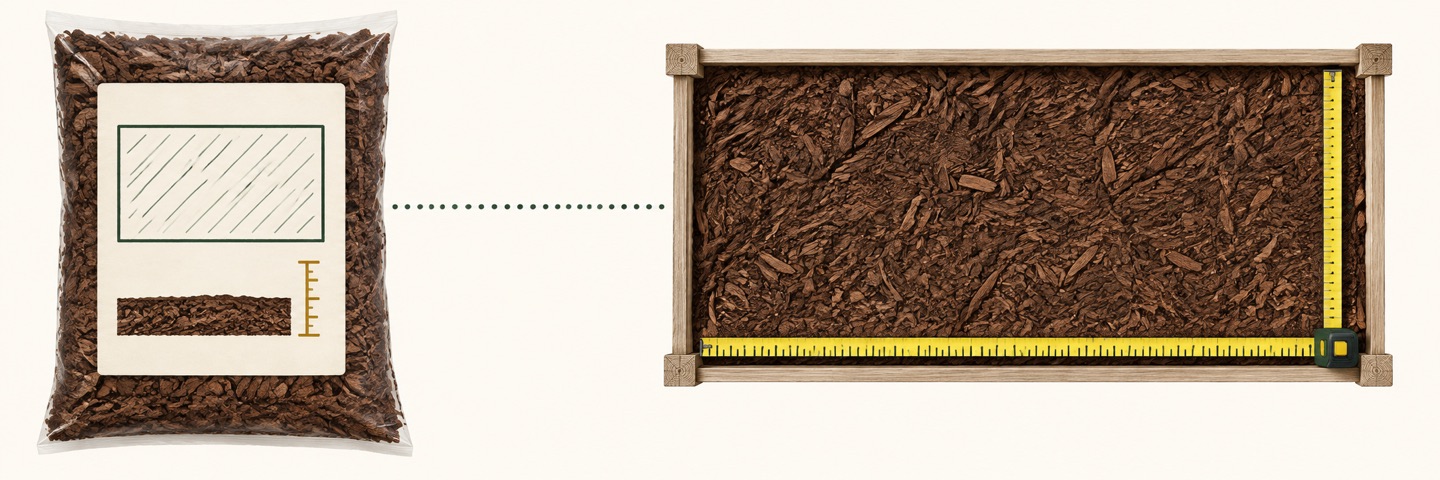
The label is a volume clue
Coverage area multiplied by the label's reference depth gives the package's implied volume. The input must describe one bag and its stated depth.
Area × planned depth produces a volume for each row. Rectangles, circles, rings, triangles, and already-known areas can be combined.
Subtract the volume in full, unopened bags you already own. Round only the remaining volume up to whole bags of the label size you plan to buy.
Core formulas
Implied bag volume = printed coverage × label depth
Total whole bags needed at the chosen label size = ceiling(project volume ÷ implied bag volume)
Available stock volume = matching bag count × implied bag volume + other-size count × its printed bag volume
New bags to buy = ceiling(max(0, project volume − available stock volume) ÷ implied bag volume)
US-to-metric volume conversion uses the exact international foot definition: 1 ft = 0.3048 m. See the NIST conversion factors. All package and project measurements come from your inputs.
Compressed garden mulch exists: PlantBest's CocoMulch product information describes a block that expands with water. Use the expanded coverage and reference depth for your exact package; this tool does not apply a brand's expansion factor to other products.
A worked arithmetic example
This example is for checking the math, not a product-size claim: suppose the label says 24 sq ft at 2 in, while your measured bed is 10 ft × 12 ft and you plan a 3 in layer. It assumes no matching bags are already on hand.

Where the estimate stops
Coverage figures can only be compared when their reference depth is known. If the label gives no depth, use an exact manufacturer specification or a package volume instead; do not fill the gap with an assumed standard. Count full, unopened on-hand bags only; enter a different bag size separately by its printed volume, not as a matching bag. The tool assumes the same suitable mulch product and cannot check stored material's condition. It does not account for uneven ground, settling, spillage, compaction, edging, or supplier-specific advice, and adds no extra allowance unless you change your measured quantities yourself.
Questions about package coverage
Yes. Enter the area and reference depth exactly as printed on the bag, then enter the depth you plan to install. The calculator treats label coverage times printed depth as the bag's implied volume and divides your measured project volume by it. The result is only as reliable as the package label and your measurements.
The calculator needs both the printed coverage area and the depth attached to that coverage. If the package omits the depth, use a manufacturer value for the exact product or enter its listed volume in a volume-based calculator; this page does not guess.
No. It uses only full, unopened on-hand bags. The project requirement is shown as a bag equivalent and a rounded whole-bag count at the chosen label size. The purchase count rounds up only the volume still needed after entered stock; volume beyond the measured need is not a waste allowance.
Yes. Add one row for each measured area, choose its shape, enter its dimensions and planned depth, and set a quantity for identical areas. The calculator totals every complete row before converting the volume to bags.
Yes. Enter full, unopened bags with the same label basis in the matching-bag field. For one other bag size of the same suitable mulch product, enter its count and printed volume separately. The tool subtracts their combined volume before rounding the remaining order to whole new bags. It cannot check whether stored material is still suitable.
Yes, if the exact product gives expanded coverage at a stated depth for one package. Enter those label values, not the dry block's dimensions. Each whole bag in the result then represents one package at that label size. If the label gives only an expanded volume, use a volume-based mulch calculator instead. This page does not calculate water needs or predict expansion.
Not from volume alone. This calculator uses the package's printed coverage and reference depth to infer volume; it has no density or scale input, so it does not return pounds. Check the stated weight for the exact product or weigh that package. Do not treat a cubic-foot value as a fixed pound value.
Continue with your measurements
Compare package examples in the mulch bag coverage chart, or use the mulch calculator when you already know the bag volume. Already have full bags in several sizes and need the area they cover? Use the mulch bags-to-area calculator. Have two shelf offers? Use the bag choice calculator to compare whole-bag orders for the same measured volume. Buying by the pallet? Compare your supplier's pack count and whole-bag result in the mulch pallet calculator.